Tools
Color Locator
Find the right Color in your image
- Field
- Tools
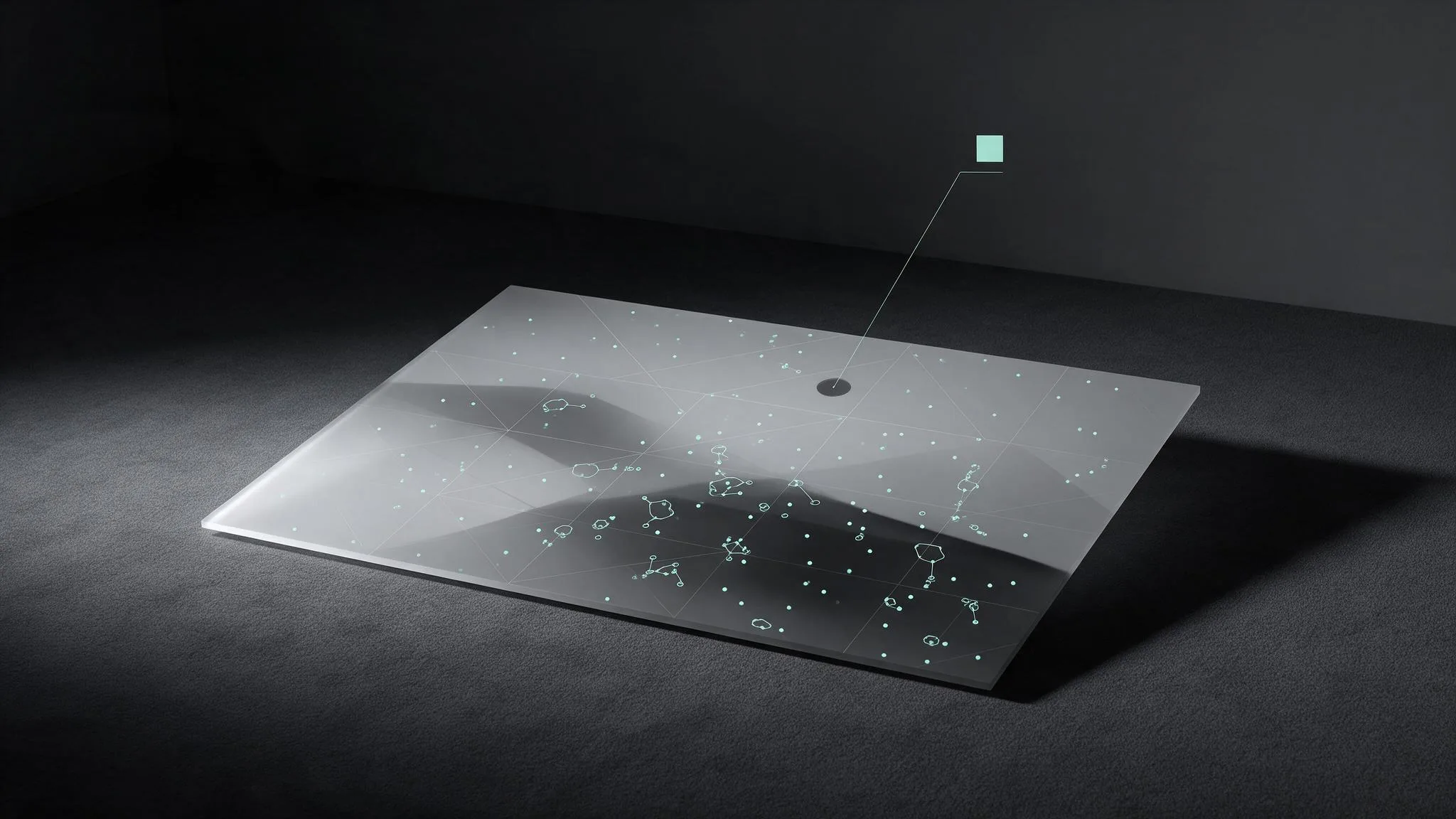
Sometimes it is useful to verify if and where a specific color is in an image. Especially for projects with very color-sensitive clients.
This tool allows to open a source image and a color swatch, or typed in color value. Than you scan your image to find the coordinates of the first pixel that meets these conditions. However all other same color values will be displayed and the overall count of matches in your image. By increasing the threshold you can see more pixels in the range of the destination color.
(Not recommended on mobile devices)
The tool entirely works in your browser. No data will be uploaded, or saved outside your device.
Next in the lab